
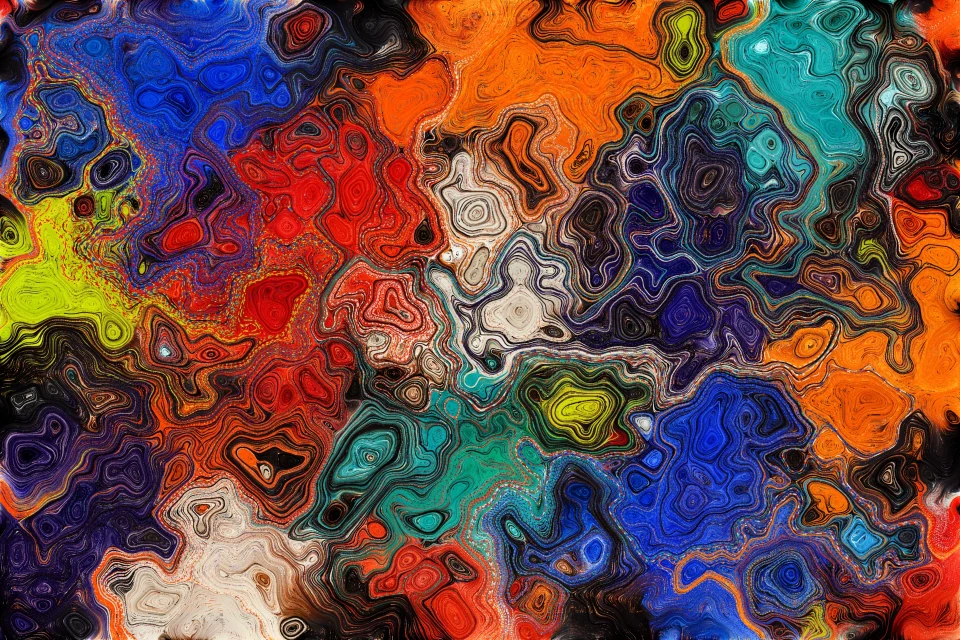
Topographic
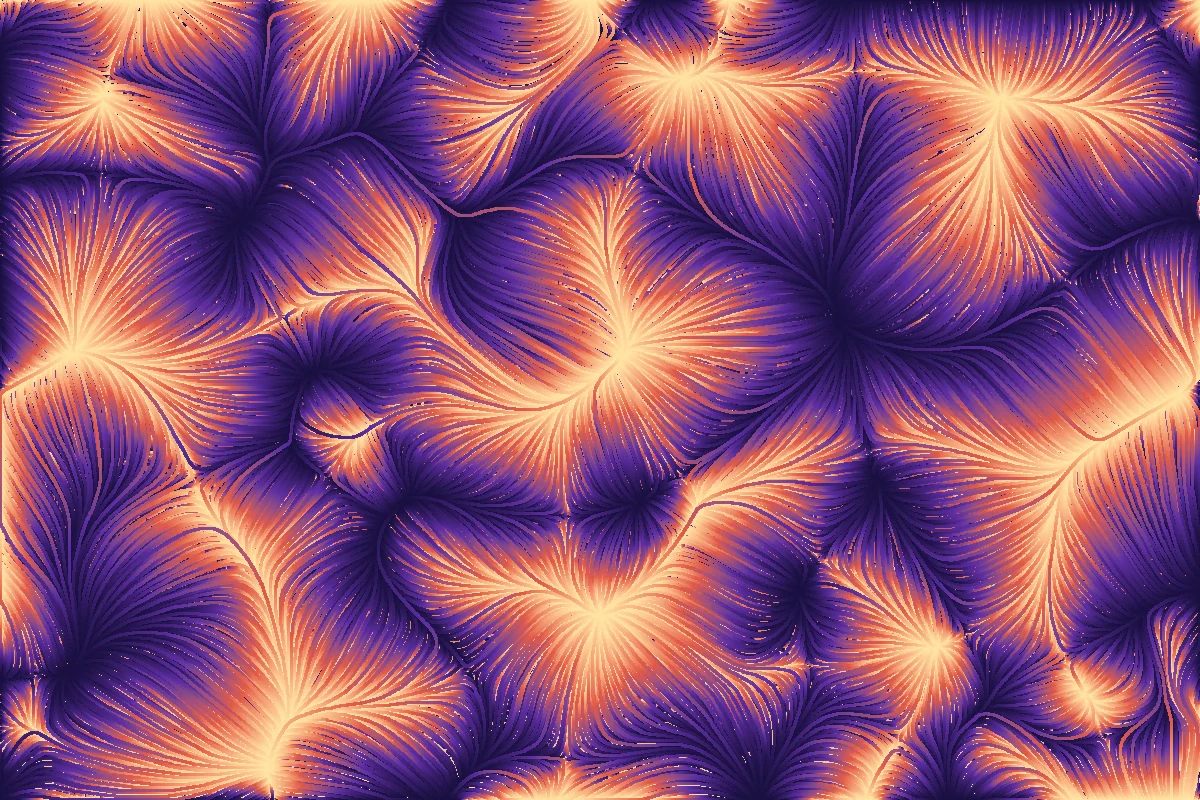
Streaks trace the contours of a generated field and stack into nested lines, like a relief map.
Looking for MadPixelSort? It’s no longer sold. madphase is the successor to MadPixelSort, from the same studio. Sort along 20 paths, from straight lines to the image’s own contours, give every streak a palette, then layer, animate and perform the result.
Learn how to pixel sort in madphase →
Free with a watermark, or 7 days without one.
No card required.
macOS · Windows · Linux
Nebula pulls a single image into fine currents of color and keeps them drifting with animated trails. It plays back as one composition, and every layer in it stays editable.
Pixel sorting / Flowing color / Animated trails
MadPixelSort sorted along lines, circles, waves and curves. Those are all still here. madphase adds paths that read the picture: Gradient follows changes in brightness and Isophote traces lines of equal brightness. Perlin and Topographic take their direction from generated fields, and Spline follows a curve you draw.
Streaks trace the contours of a generated field and stack into nested lines, like a relief map.
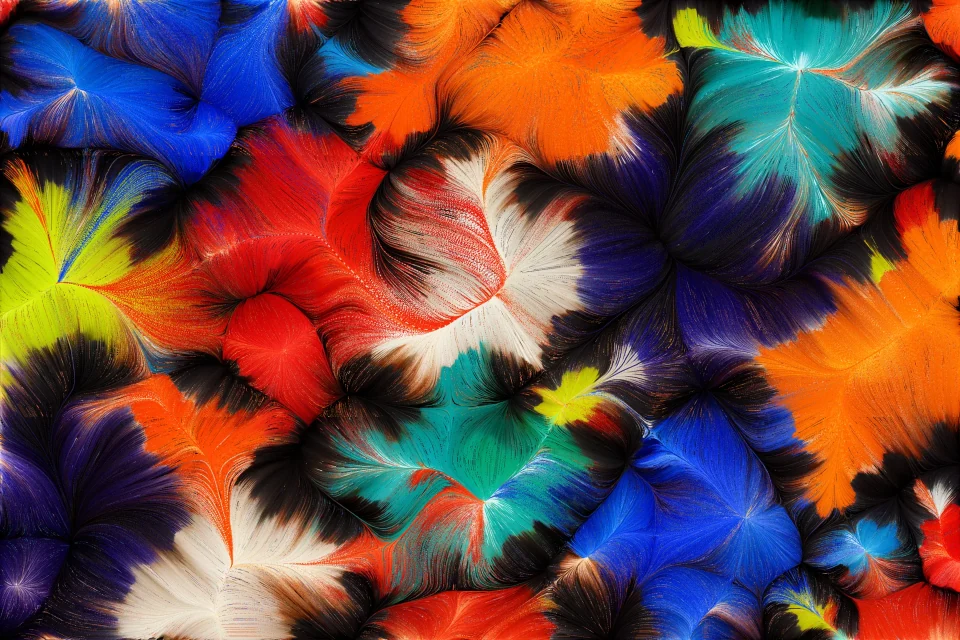
Streaks read the picture itself and run wherever brightness changes, cutting across its edges.
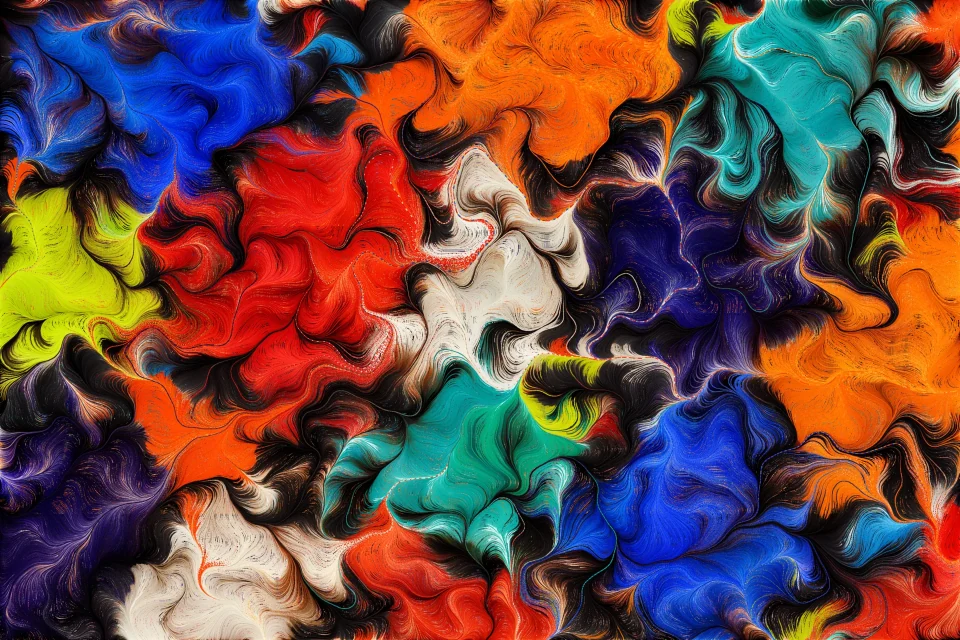
Streaks curl through a noise field. Turn the feature size from tight eddies up to broad currents.
One pigment texture, three paths, nothing else changed.
Sorted pixels usually keep the colors they started with. A gradient palette repaints each sorted run from end to end, so the same texture can turn violet, coral and gold. Pick a built-in palette or set your own stops, and animate them while the streaks move.
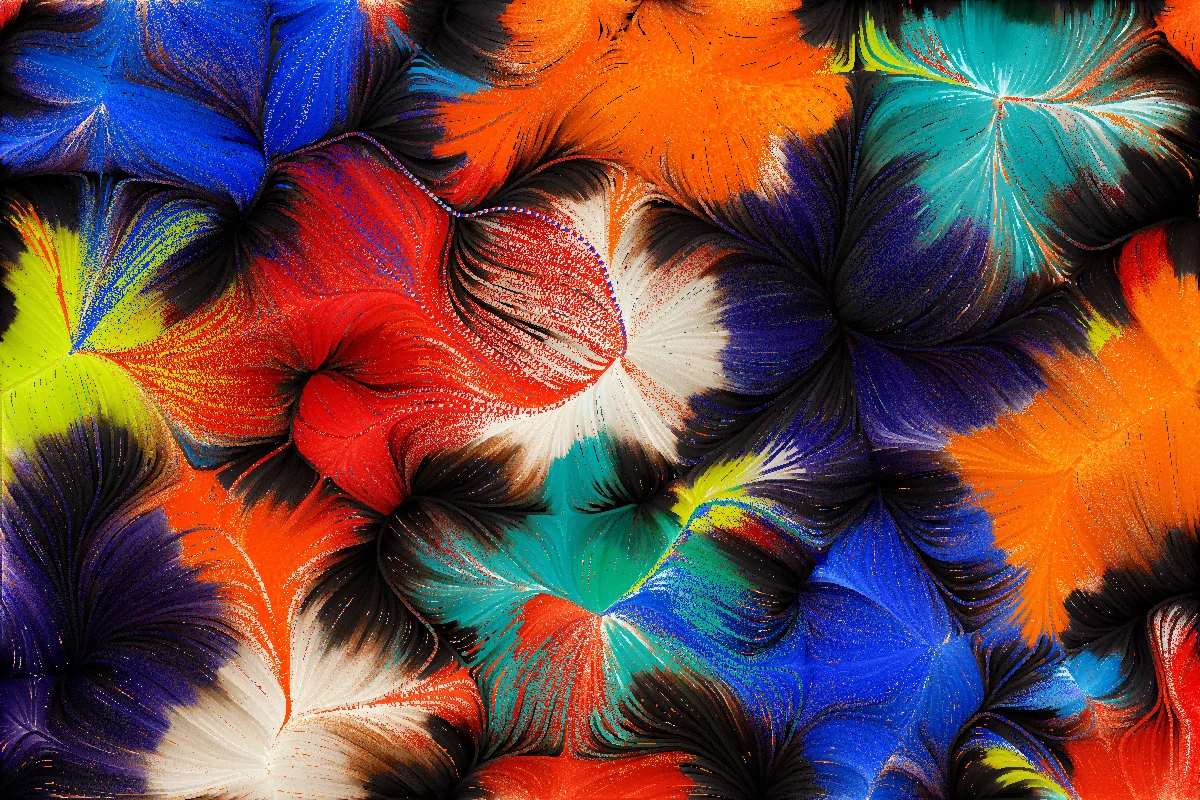
Both renders use the same Gradient path. Only the palette changes.
MadPixelSort let you keyframe a sort. madphase keeps the timeline and adds a stage: the same effect can follow the music or a MIDI fader in real time.
Stretch the streaks, slide them along their path and choose how they ease in and settle. Keyframe Interval Length or Shift on a still or a clip, then export the video.
Turn a knob and the streaks grow. In Live mode, map a MIDI knob or fader to a control like Interval Length, or let live audio push it. Sort a camera feed and send the composition to a projector.
MadPixelSort was a sorter. madphase is a compositor with sorting built in. The Flower breakdown lays its eleven stages out on glass panes: the source image, masked pixel sorting, ASCII texture and the finished 3D composition. Each pane is one more layer in the stack.
Masked pixel sorting / ASCII / Animation
Eleven stages / 3D glass panes / Camera motion
MadPixelSort is no longer available to buy. madphase is the successor to MadPixelSort, made by the same studio. It keeps pathed sorting, keyframes, video and masking, and builds them into a full compositor.
MadPixelSort sorted along lines, circles, waves and curves. madphase has 20 sorting paths, including ones that follow the image’s own brightness and generated flow fields, plus gradient palettes for the streaks. Around the sort it adds layers, masks, a wide effects library, 3D, audio drivers and live MIDI control.
Yes. Download madphase and use it free with a watermark, or sign in for a 7-day watermark-free trial. No card required.
No. madphase is billed monthly or annually. A paid year includes perpetual fallback: pay annually, or monthly for 12 consecutive months, and you keep the madphase version covered by that year even if you do not renew.
Topographic traces equal levels in a generated noise field. Gradient follows changes in the source image’s brightness. Perlin uses a curling noise field. Each changes the route pixels follow during sorting.
Yes. Apply Pixel Sorting to a still or a video, animate its controls with keyframes, let audio drive them, or map them to a MIDI controller in Live mode.
Yes, if you bought it. Enter your purchase email or legacy license key below and we’ll send fresh Mac and Windows installers to the email on your purchase. Recover MadPixelSort
Free to try, no card required. See pricing
Your copy is still yours. Enter the email you bought it with or your legacy license key, and we’ll send fresh download links to the email on your purchase.
The email includes separate downloads for Mac (Apple silicon), Mac (Intel), and Windows.